Your Cart Is Watching You: A Black Friday 2026 Privacy Checklist for Real Shoppers
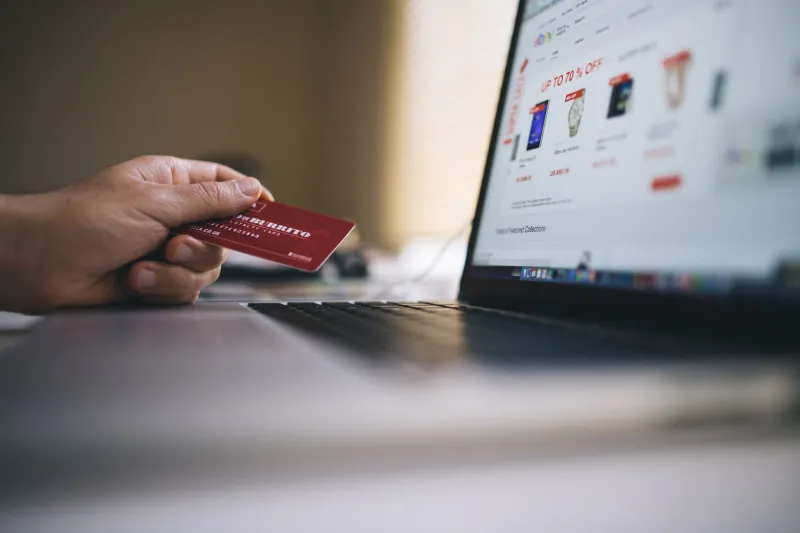
Black Friday 2026 lands on November 27, and Cyber Monday follows on the 30th. Which means your inbox is already a war zone of countdown timers, your feed is wall-to-wall "early access" codes, and somewhere a retargeting pixel has already decided you're in the market for a robot vacuum.
None of that is an accident. The holiday season is the biggest data-harvesting window of the year in the US, and most of the machinery doing the harvesting is invisible. Here's how to run the whole thing — compare prices, chase the deals, actually buy the stuff — without turning your browsing history into somebody else's Q4 revenue line.
The deal you see is not the deal your neighbor sees
Retailers and the ad networks behind them have gotten very good at pricing by inference. They generally can't charge you more because of who you are in a legally protected sense, but they can absolutely show you a different coupon, a different shipping offer, or a different "was" price based on what they think they know about you.
The signals they lean on:
- Location — often down to the neighborhood, pulled from your IP address or your phone's location permission.
- Browser fingerprint — screen size, fonts, time zone, extensions, all stitched into a semi-unique ID that survives you clearing cookies.
- Shopping history — what you looked at on Tuesday, and whether you came back on Friday.
- Referral source — whether you arrived from a deal forum, a paid ad, or a plain search.
A clean browser profile and a different IP address won't magically unlock a secret cheaper price. But they do reset the experiment. You stop being a known quantity with a known willingness to pay, and you start seeing the rack rate instead of the personalized one. If nothing else, seeing two prices side by side tells you whether you're being played.
Mall Wi-Fi is convenient and a little sketchy
Open Wi-Fi at the mall, the airport, or the coffee shop next to the outlet stores is not the catastrophe that security posts from 2011 made it out to be — most sites now use HTTPS, which encrypts the actual content. But "most" is doing a lot of work in that sentence.
What still gets exposed on an open network:
- Which sites you visit, because DNS lookups are often visible to whoever runs the network.
- Captive portal tricks — fake login pages that harvest an email and a password you happen to reuse elsewhere.
- Older or misconfigured sites still serving plain HTTP, which is more common on small retailer storefronts than you'd hope.
- The operator's logs, which may be sold, shared, or subpoenaed.
The practical fix is boring and effective: don't log into your bank in a food court, use a password manager so you're never typing credentials by hand into anything, and route your browsing through something that keeps your traffic off the local network's radar.
Where a lightweight proxy fits in
A browser proxy is not magic and it is not a full security suite. What it does is simple: your requests go out through a different server, so the sites you visit see that server's address instead of yours, and the Wi-Fi operator sees an encrypted connection to the proxy rather than a list of every store you browsed.
For holiday shopping, that covers most of what you actually want:
- Price comparison without your location and history following you from tab to tab.
- Shopping on a shared or public network without broadcasting your every move.
- Checking a retailer's site as if you were somewhere else, which occasionally surfaces a different regional offer or shipping estimate.
It's lightweight, it's fast, and it runs in the browser with nothing to install. That's a much better fit for "I'm comparing four listings for an air fryer" than a full tunnel that routes your entire device through another country.
The pre-shopping checklist
Do this once, before the sales start, and you're set for the season.
- Turn off location for shopping apps. On iPhone: Settings → Privacy & Security → Location Services. On Android: Settings → Location. Set retail apps to "Never" or "Ask." They do not need your coordinates to render a product page.
- Clear cookies and site data, or better, do your price research in a private window so trackers start from zero each time.
- Install a tracker blocker. uBlock Origin, or the built-in protections in Firefox and Safari, will cut a huge amount of the retargeting noise.
- Check your browser's fingerprinting protection. Firefox's strict mode and Safari's defaults both add noise to the fingerprint. Turn them on.
- Use a password manager. One unique password per store. This is the single highest-value habit on the list.
- Kill autofill on shared machines. Autofill is great on your own laptop, terrible on a loaner.
- Skip "log in with Google/Facebook" on retailers you shop at twice a year. It's a data bridge you don't need.
- Turn on two-factor anywhere you've saved a card.
- Pay with a card that generates virtual numbers — several US issuers offer this — so a breach doesn't expose your real number.
- Read the final price screen. Shipping, fees, and pre-checked warranty upsells are where the real markup hides, and no proxy in the world fixes that.
One more note about retail apps
Browser-based shopping is the easy case. Apps are harder, because they see your device ID, your location (if you let them), and sometimes your contacts. If you're buying one thing, open the retailer's site in a browser instead. Same price, fewer permission prompts, and one less app you'll forget to delete in January.
The short version
Nobody needs to shop like a spy to buy a TV on sale. But a few minutes of setup — private windows, a tracker blocker, location off, a proxy when you're on someone else's Wi-Fi — keeps the season about the deals instead of the data. Start now, before the good stuff sells out and the panic-buying sets in.