That 15% Coupon Pop-Up Comes With a Receipt: Auditing Deal Extensions Before Black Friday 2026

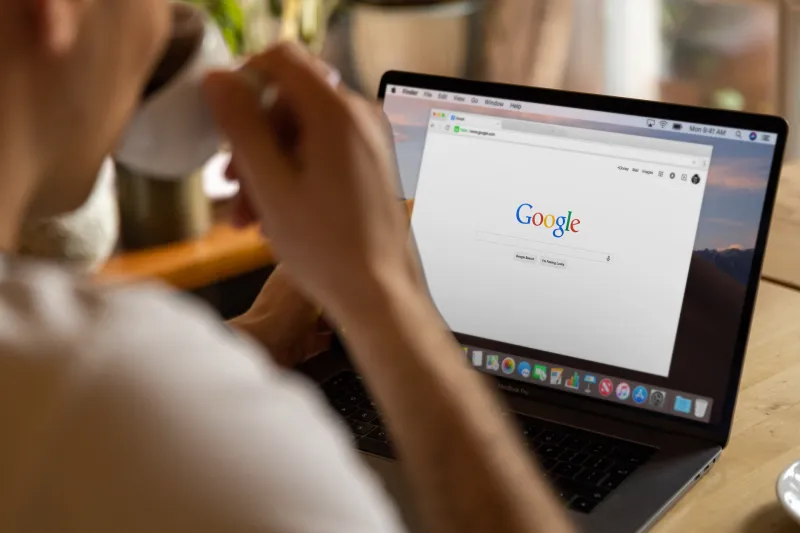
A coupon extension pops up with a friendly little badge: 15% off, maybe 20%, maybe free shipping. You click it, the total drops by $12, and you feel like you beat the store. That feeling is real. So is the trade you just made. Many deal-finder extensions do not just look for promo codes. They watch pages, read tabs, follow clicks, and sometimes shape the links you use to buy. Before Black Friday and Cyber Monday 2026, it is worth asking what that $12 actually bought — and who else got a copy of the receipt.
The Permission Prompt Is the Fine Print
When you install any browser extension, it asks for permissions. For coupon tools, the big one is usually access to read and change your data on all websites. That sounds technical, but the plain-English version is simple: the extension can see the page you are on and alter it. On a shopping site, that might mean injecting a coupon box. On your bank site, your webmail, or a medical portal, it could mean the same access — unless the extension limits itself.
Check the permissions before you click Add to Chrome, Add to Edge, or Add to Firefox. A coupon tool that works on shopping sites probably needs access to those sites. A tool that demands access to every site, your browsing history, your clipboard, and your notifications is asking for a lot more than coupon help. Some extensions also request permission to read and change your data on a list of specific sites. That is generally a better sign than a blank check for the whole web.
How the Coupon Business Model Works
Coupon extensions rarely survive on generosity. Many earn money through affiliate links. When you click through an extension and buy something, the retailer may pay the extension company a commission. That is not automatically shady — affiliate marketing is a normal part of online retail. The privacy question is how much browsing data gets swept up along the way.
Some extensions track which stores you visit, what you put in your cart, which coupons you try, and whether you complete a purchase. That information can build a detailed shopping profile. It may be used to improve the tool, but it can also be shared with partners or used to target ads. A 15% pop-up can end up costing more than it saves if it follows you across the web for months.
There is also the link problem. Some extensions rewrite retailer links or drop tracking cookies so the extension gets credit for the sale. That does not always change your price, but it can affect which deals you see and who gets paid. If a coupon extension is unusually pushy about activating on a site where you did not ask for help, pay attention.
A Five-Minute Audit for Your Browser
Open your browser's extension manager. In Chrome, go to chrome://extensions. In Edge, use edge://extensions. In Firefox, use about:addons. Then do a quick pass:
- List every coupon, cash-back, deal-finder, and shopping assistant you have installed. Be honest — holiday shopping season is when old extensions multiply.
- Check the permissions for each one. Look for all-sites access, browsing history, clipboard read, and notification access. Ask whether a coupon tool truly needs each permission.
- Remove anything you have not used since last holiday season. An unused extension with broad access is just a quiet risk sitting in your browser.
- If you want to keep one, restrict its site access where the browser allows it. Set it to work only on shopping sites you trust, not on every page.
- Review the extension's privacy policy and developer page. Look for a real company name, a support contact, and clear language about data sharing. If the policy is missing or vague, treat that as a warning.
Do this before the big sale days, not in the middle of checkout. Extension cleanup is boring, which is exactly why it is useful.
The Safer Holiday Shopping Habit
You do not need a coupon extension for every store. A simpler routine often works better. Check the retailer's own coupon page, sign up for its email list if the discount is worth it, and search for promo codes in a normal browser tab. Yes, that takes an extra minute. It also keeps your browsing data closer to you.
Use a separate browser profile for deal hunting if you like. Keep your banking, email, and work logins in a different profile with fewer extensions. If a store page is region-blocked or you need to view a public deal page from another location, a plain browser proxy can help with basic access — but a proxy is not a coupon tool, and it does not make a risky extension safe. The goal is to reduce exposure, not stack more tools on top.
Also, watch the clipboard. Some extensions read what you copy, which is one reason you should never copy passwords, card numbers, or one-time codes while a broad-permission extension is active. Paste sensitive information only when you trust the page and the browser setup.
What to Do With That $12
Saving money is not foolish. Installing every deal-finder that appears is. The smart move for 2026 is to treat coupon extensions like any other app that wants access to your life: check the permissions, understand the business model, remove what you do not use, and keep the few tools that earn their place.
That 15% pop-up might still be worth it. Just make sure the price is a discount, not your whole holiday cart.